








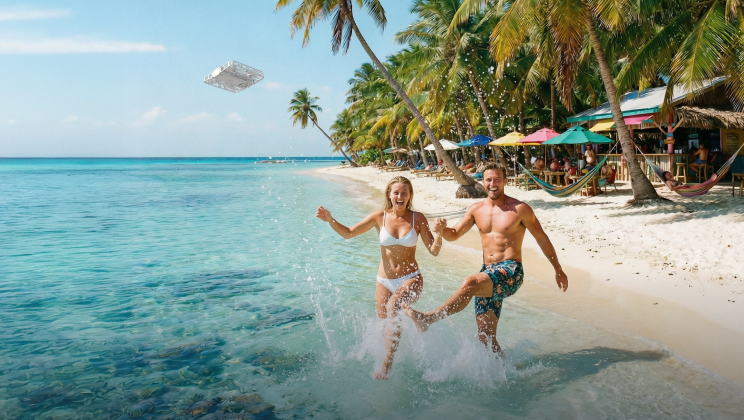
How to Shoot Cinematic B-Roll Video with HOVERAir

When you scroll through travel vlogs or short videos online, have you noticed that the most polished videos aren’t just people talking to the camera? The secret that makes videos feel smooth, cinematic, and full of emotion is B-roll.
Whether you’re shooting travel, food, sports, or lifestyle content, learning how to use B-roll is the first step toward creating professional-looking videos. In this guide, we’ll walk you through what B-roll is, why it matters, practical shooting tips, and how to naturally use HOVERAir to take your visuals to the next level.
What Is B-Roll and Why It Matters
At its core:
- A-roll is your main content: someone talking to the camera, product demos, interviews, or narrative commentary.
- B-roll is supplemental footage that supports your A-roll. Think of environmental shots, close-ups, transitions, and motion details that enhance your story.
Why B-roll matters:
- Adds depth and emotion to your story
- Breaks monotony and keeps viewers engaged
- Creates cinematic pacing and visual rhythm
Example: Imagine you’re filming a travel vlog:
A-roll
Talking to camera: “We just arrived in the Maldives!”
Notice how the story instantly becomes more immersive and visually rich?

B-roll
Waves crashing, drone flying over the boardwalk, hands touching the water, sunset sky changing colors
Three Core Types of B-Roll
Professional videos often combine three types of B-roll:
| Category | Example Shots | Purpose |
| Establishing shot | Wide shot, Aerial drone shot, Panoramic view | Shows where you are, sets the scene and context |
| Detail shot | Close-up, Macro, Hand/Action details | Captures small objects, gestures, textures, or expressions for visual richness |
| Motion/Transition shot | Push-in / Pull-out, Side tracking, Orbit, Fly-through | Connects scenes smoothly, adds rhythm, depth, and motion |
Combining these three types keeps the viewer engaged and makes your video feel like a story rather than a series of clips.
Composition and Motion Principles for B-Roll
Want your videos to look cinematic? It all comes down to three essentials: composition, camera movement, and rhythm. Even simple shots can feel professional when you get these right.
Composition: Frame It Right
Good composition makes your shots visually engaging:
- Foreground elements – Add depth by including objects like leaves, poles, or chairs in front of your subject.

- Leading lines – Use roads, fences, or tracks to guide viewers’ eyes toward your subject.

- Rule of thirds – Place your subject off-center for a natural, balanced look.

- Negative space – Don’t fill the entire frame; let your shots breathe.

2️⃣ Camera Movement: Bring Your Shots to Life
Dynamic movement turns ordinary shots into cinematic moments:
- Push / Pull – Move closer or further from your subject to create tension or focus.
- Tracking / Sideways – Follow your subject to highlight motion.
- Orbit / Fly-around – Circle your subject for a stunning aerial perspective.
- High or low angles – Change viewpoints to make your shots more interesting.
3️⃣ Rhythm & Pace: Edit with Flow The right rhythm gives your B-roll emotion and energy:
- Mix short and long shots to avoid monotony.
- Match camera movements to music or natural sounds for emotional impact.
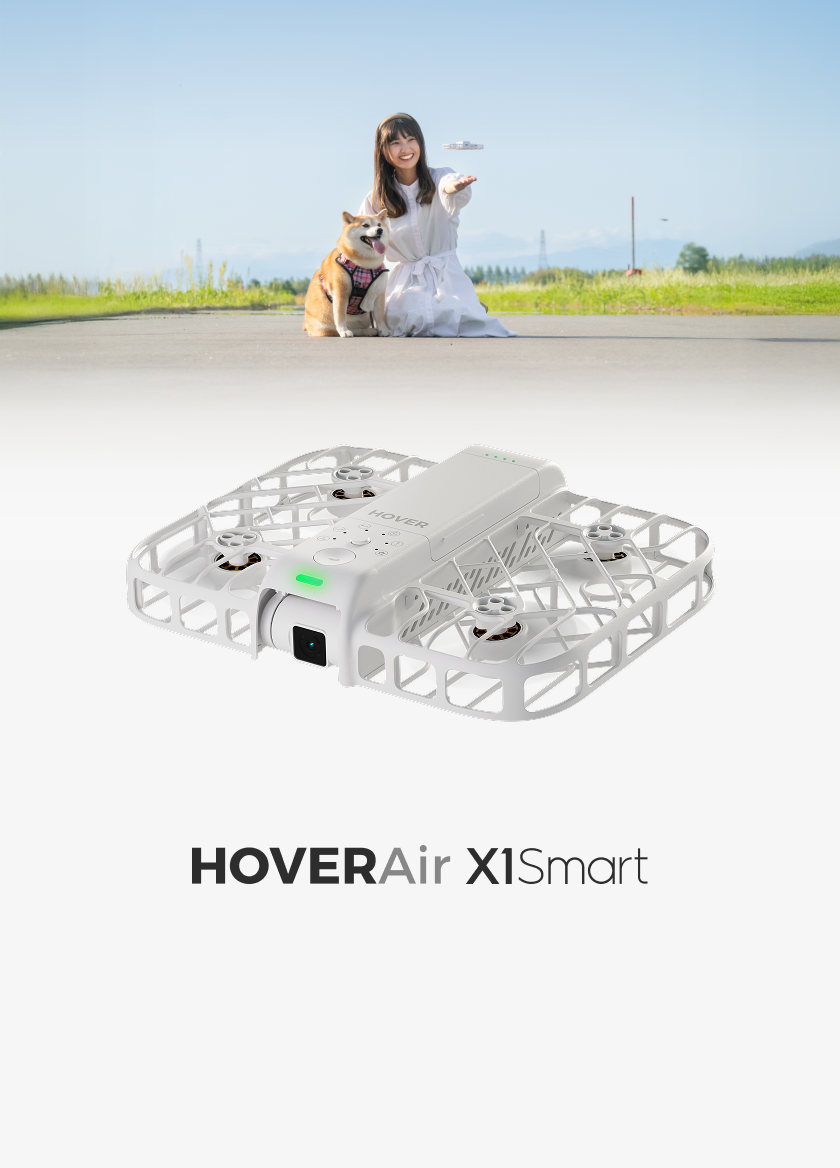
How HOVERAir Makes B-Roll Easier
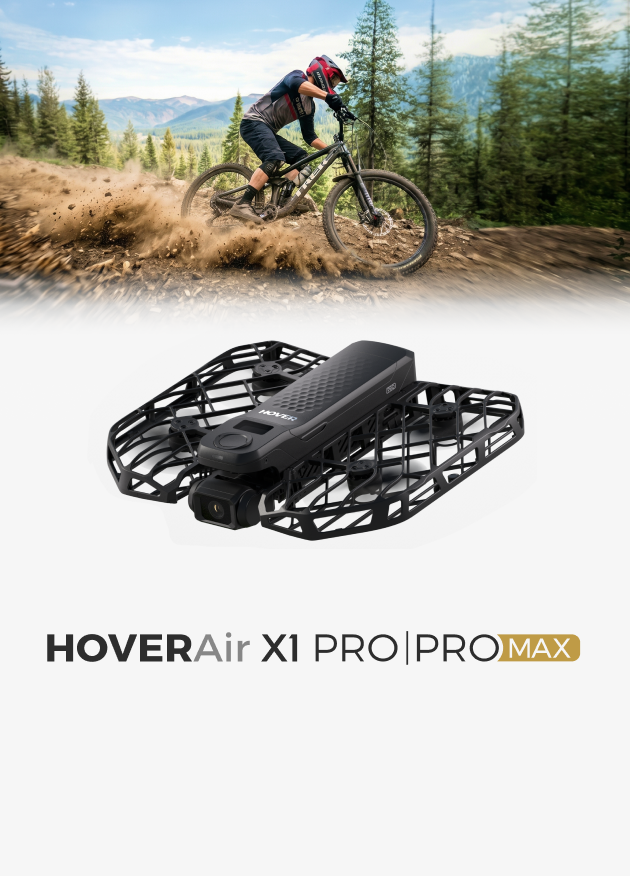
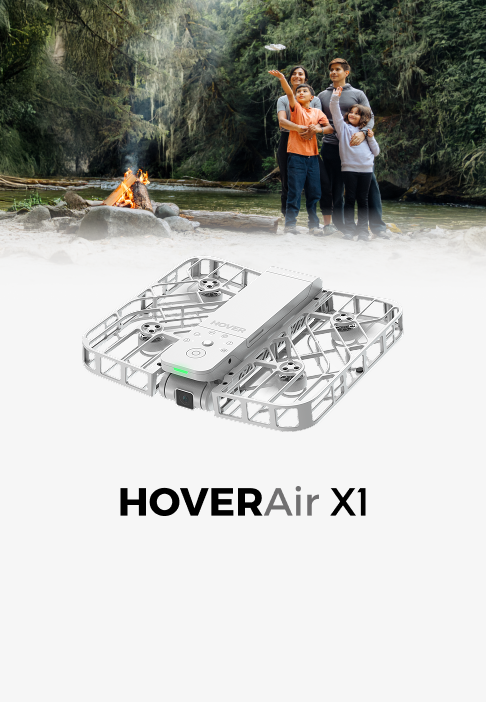
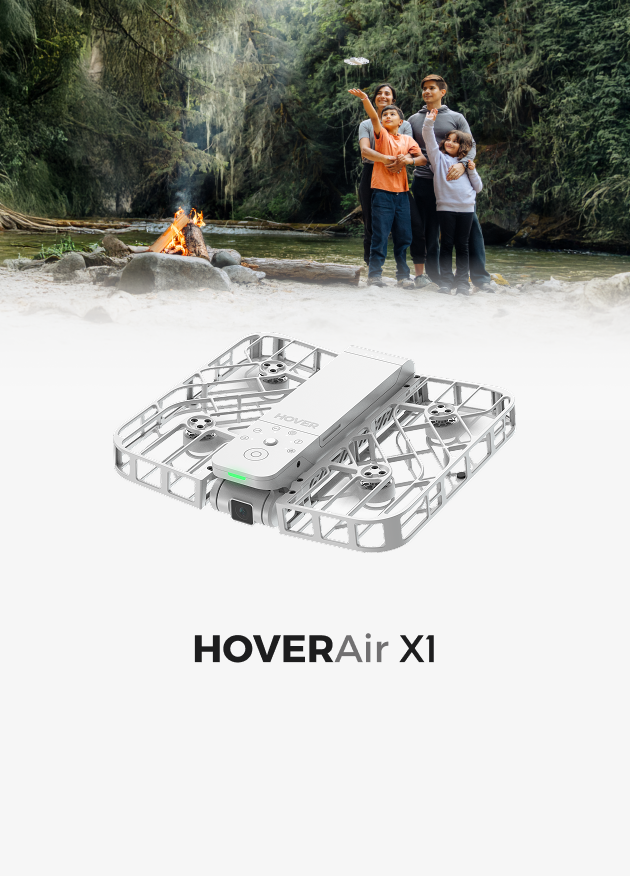
While phones and handheld cameras can capture B-roll, HOVERAir offers advantages that elevate your shots naturally:
- Dynamic aerial perspectives – Create sweeping, cinematic motions effortlessly
- Smooth transitions – Fly automatically without shaky handheld movements
- Single-operator convenience – No extra crew needed; perfect for solo creators
- Creative freedom – Combine low flyovers, push-ins, and orbiting shots in seconds
Here’s a practical HOVERAir B-roll shot reference table, showing common drone moves, their visual effects, and recommended HOVERAir modes:
| Camera Move / Shot | Visual Effect | HOVERAir Applicable Mode |
| Push in | Enhance immersion, draw viewer into scene | Zoom Out (second half) |
| Pull out / Retreat | Reveal environment, open up space | Zoom Out |
| Orbit around subject | Establish visual focus, highlight subject | Orbit Mode |
| Low sweep | Create sense of speed and motion,Showcase breathtaking landscapes, dramatic ground views, or ocean scenes from a low-flying perspective. | Manual |
| Top-down / Bird’s Eye | Geometric beauty, sense of order | Bird's Eye Mode |
| Follow movement | Emphasize action and motion | Follow Mode / Ski / Cycling Mode (low -height setting available) |
| Subject passes stationary camera | Natural contextual shot | Hover Mode |
💡 Tips for Use:
- To emphasize movement and energy, try diagonal compositions, or use the Low-Height setting in Manual Mode & other fFlight mModes for dramatic low-angle shots.
- In Zoom Out Mode, the first half of the shot performs a zoom-out, while the second half performs a zoom-in. You can adjust this in the HOVER X1 app by toggling “Segments” on or off. When Segments is turned on, the footage will be saved as two separate clips.
- Each action can be shot individually or combined to create layered B-roll sequences
- Match modes to scene type: Follow Mode for sports, Orbit or Bird’s Eye for landscapes and architecture
- Push-in and pull-out shots can pair with Zoom Out mode to create smooth dynamic motion
B-Roll Shooting Ideas by Scenario
Here are practical B-roll approaches for different shooting situations:
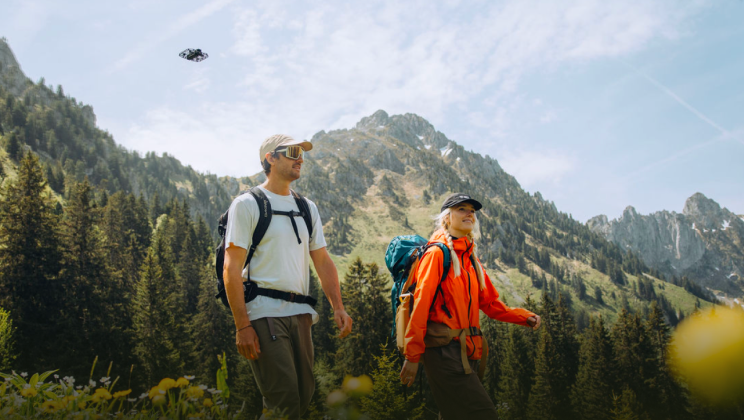
✅ Travel (Beach / City / Mountain) B Roll
- Push & pull shots + low flyovers to establish depth
- Aerial tracking for unique perspective
- Plan flight paths to avoid repetitive angles
- Capture environmental details (waves, streets, trees)
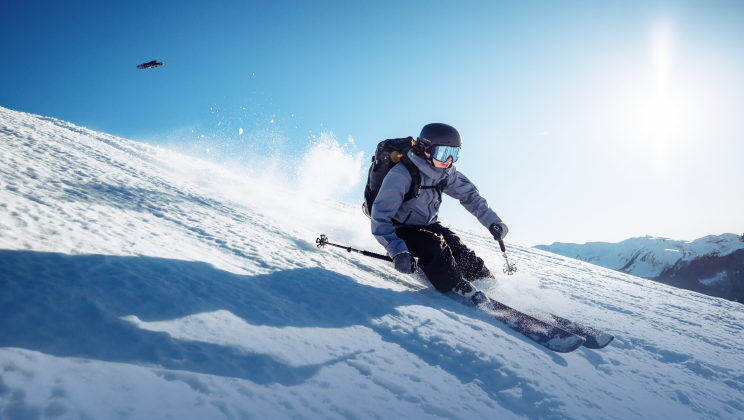
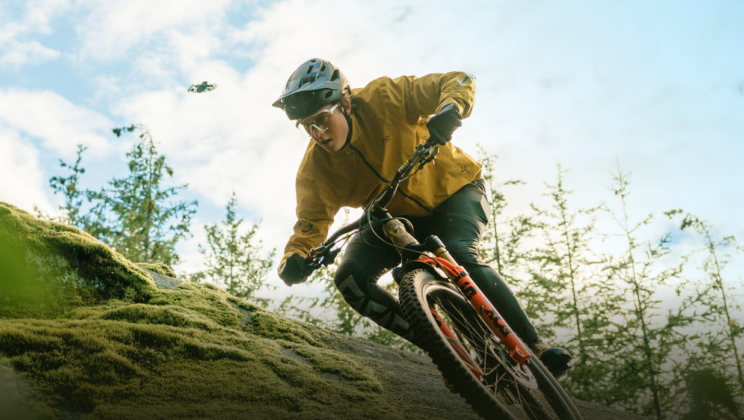
✅ Sports (Skiing / Running / Cycling) B Roll
- Follow shots + side tracking to emphasize speed
- Slow-motion clips to highlight technique and motion
- Combine wide shots with close-ups of gear or movement
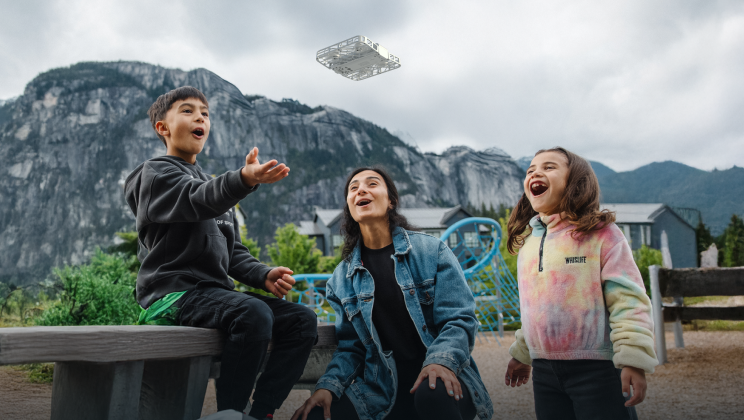
✅ Lifestyle (Camping / Family / Cooking) B Roll
- Capture hands interacting with objects (setting up a tent, stirring a pan)
- Use wide establishing shots then push in on details
- Show interactions and natural movements to tell a subtle story
✅ Real Estate / Commercial Spaces B Roll
- Start with wide establishing shots of space
- Gradually move closer to highlight textures and design details
- Combine sweeping motions with smooth transitions for premium feel
Editing B-Roll Like a Pro
Shooting B-roll is only half the work. Editing it effectively completes the cinematic feel:
- 5-Second Rule – Keep each B-roll clip between 3–5 seconds
- Avoid jump cuts – Use B-roll to bridge two A-roll clips
- Natural sound – Wind, water, footsteps, ambient noise increases immersion
- Color grading consistency – Use one LUT to maintain a cohesive look
Simple B-Roll Shooting Workflow
- Plan – Storyboard or list desired shots
- Shoot – Combine A-roll and B-roll in each location
- Collect & Organize – Keep footage grouped by scene or type
- Edit – Sequence clips, add sound effects, and fine-tune pacing
- Color & Final Touches – Apply LUTs and minor adjustments for polished look
Final Thoughts
B-roll isn’t complicated—it’s intentional. With a little planning, understanding of camera movement, and thoughtful editing, you can turn ordinary footage into cinematic stories.
And with tools like HOVERAir, you can effortlessly capture professional-grade B-roll, even if you’re shooting solo. The key isn’t just recording moments—it’s creating stories that your audience can feel.


