
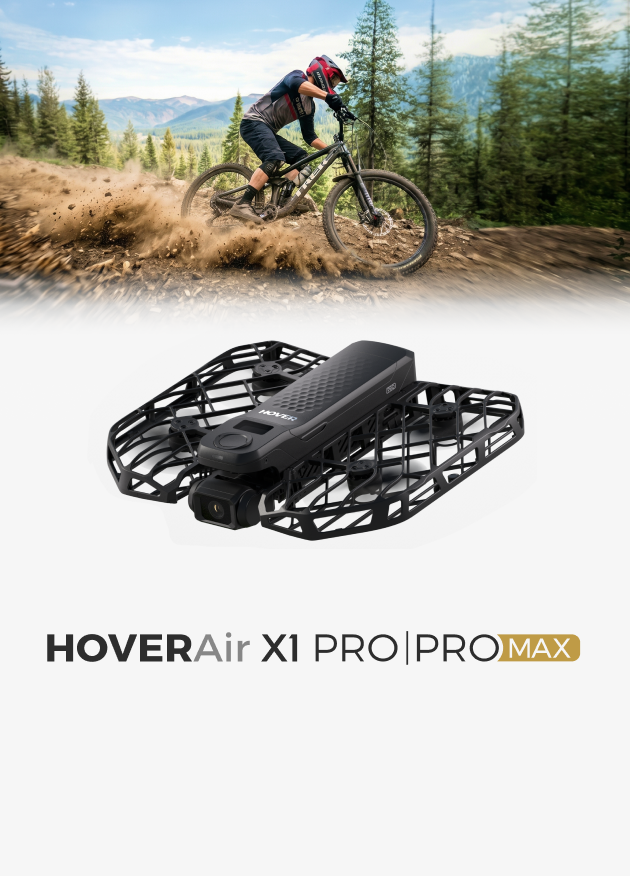
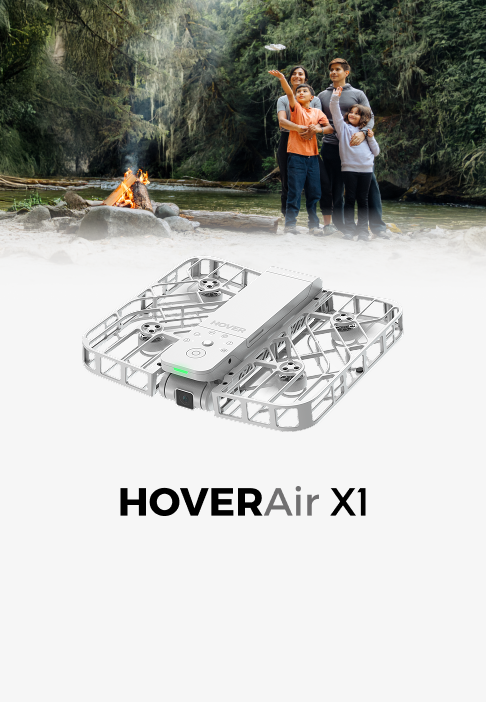
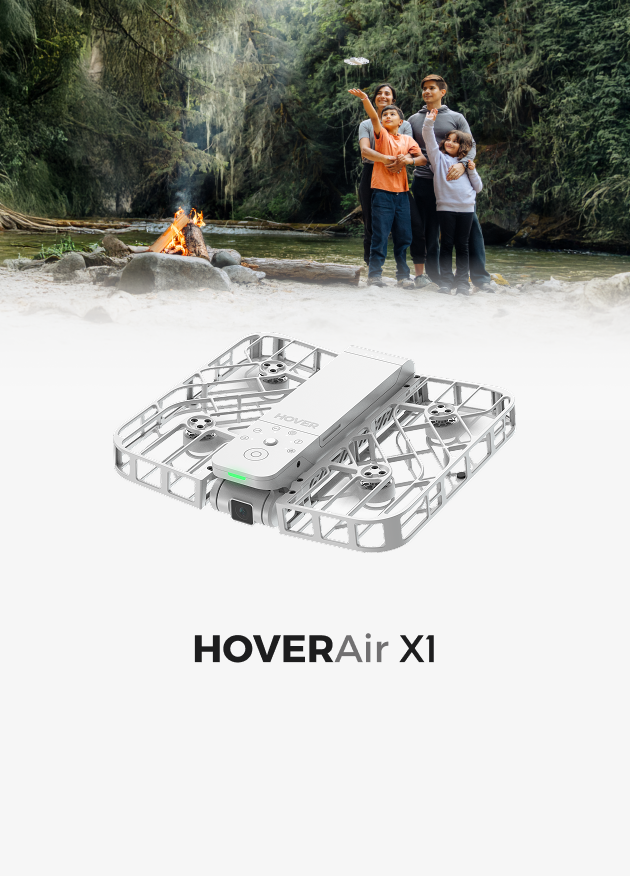








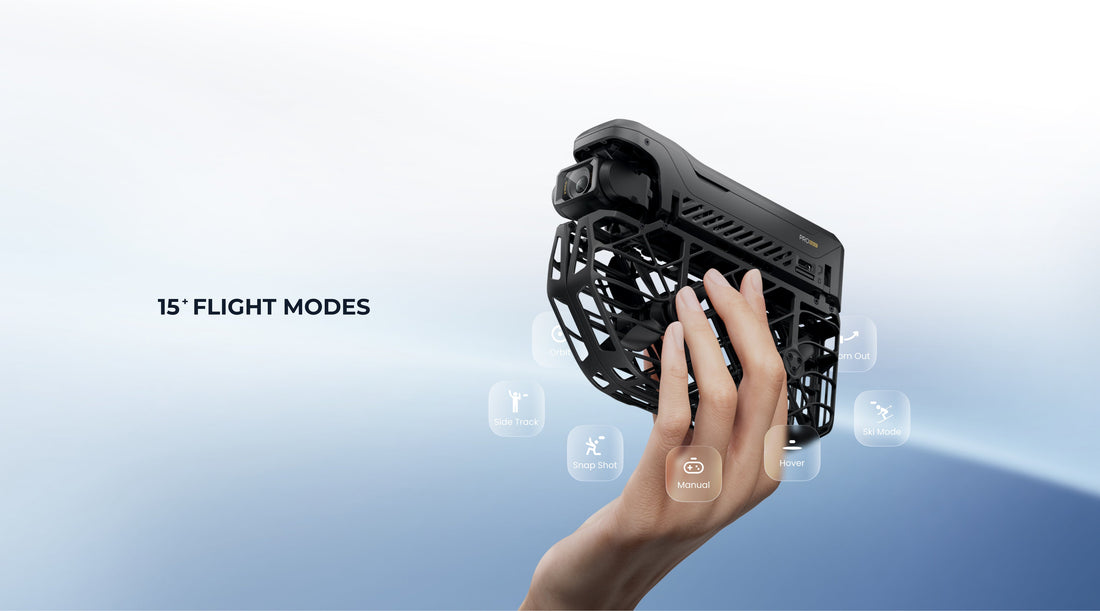
15+ Flight Modes for HOVERAir X1 PRO &PROMAX
Please note that HOVERAir flight modes are continuously being updated.
Even existing modes are receiving enhancements—such as new distance and altitude options like Extra High and Extra Long. You can explore these updates directly in the HOVER X1 App.
New flight modes will also be introduced regularly and published in the New Features section.
Stay tuned here:👉 https://hoverair.com/blogs/new-features
15+ Flight Modes
Smart Tracking
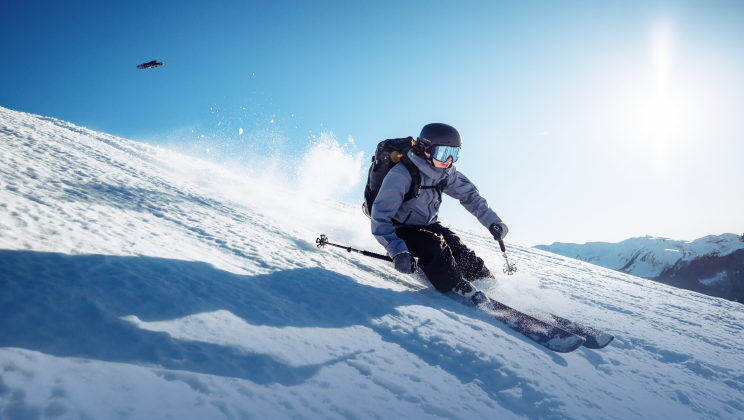
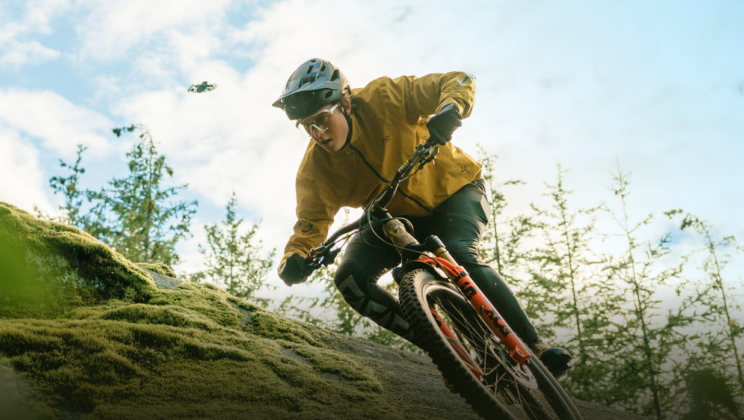
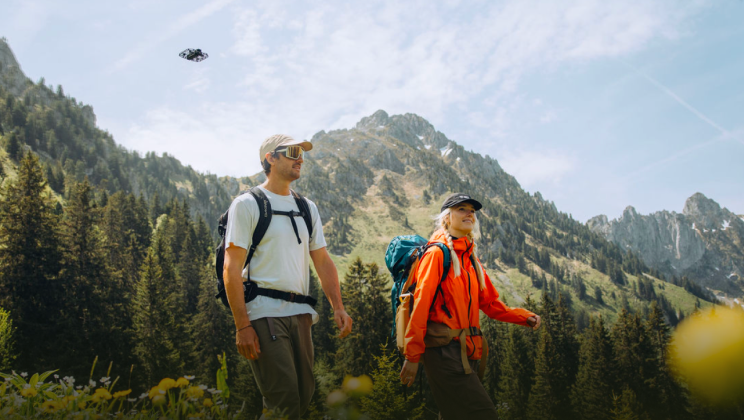
In traditional filmmaking, tracking shots require heavy gear and a camera crew. With HOVERAir, you get smooth multi-angle tracking automatically—from behind, front, or side. And HOVERAir's tracking, especially close distance tracking is best in class. Just choose Follow, Dolly Track, or Side Track, and let the drone do the work. It’s a fan favorite for cycling, skating, skiing, running, or hiking, and we’ve also included specially tuned modes like Cycling Mode, Ski Mode, and Indoor Follow to match unique environments.
🎥 Example here:
To sum up, if you're looking to achieve tracking shots, the following modes are available: Follow(Back), Dolly Track (front), or Side Track, Cycling Mode, Ski Mode, Indoor Follow. Each mode is designed for specific use cases—choose accordingly to get the best results.
Learn more about Cycling Mode here: https://hoverair.com/blogs/new-features/cycling-mode-is-now-live
Learn more about Ski Mode here: https://hoverair.com/blogs/new-features/hoverair-x1-pro-promax-ski-mode-is-now-live
Learn more about Indoor Follow here: https://hoverair.com/blogs/new-features/indoor-follow-mode-now-available
Orbit Shot
The HOVERAir X1 PRO & PROMAX deliver incredibly stable and cinematic 360° orbit shots—perfect for cliff edges, mountain tops, or anywhere with stunning depth. Just activate Orbit Mode, and you’re good to go. You can also adjust the orbit radius, angle, and more for a custom look.
🎥 Example here:
HOVER Mode
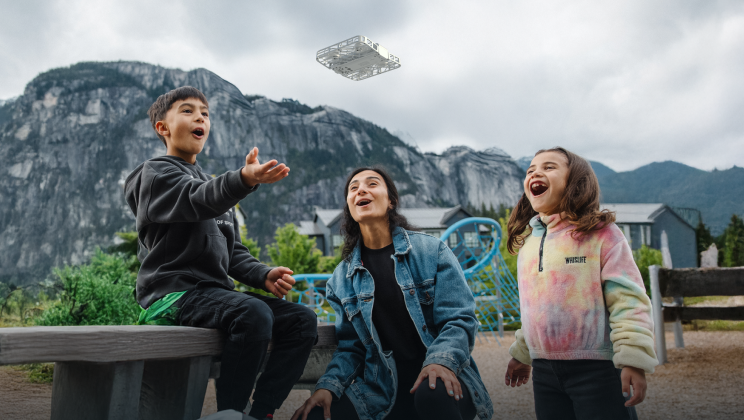
Stable, fixed-position shooting to keep the focus on your moment Hover Mode allows the HOVERAir X1 PRO to remain fixed in the air at a designated spot, capturing footage steadily without any movement. It’s perfect for when you want to move freely in front of the camera—jump, pose, dance, or perform—without worrying about the drone shifting position.
✅ Best for:
- Capturing jumps, dance moves, or workout routines that require a steady frame
- Solo or group shots with layered composition
- Social media content, daily vlogs, and casual moments
Dolly Zoom / Hitchcock Effect
A legendary cinematic shot that creates dramatic tension and spatial distortion. HOVERAir is the first flying camera to support automatic Dolly Zoom—just one tap and it’s done. No sliders, no editing—just that unmistakable cinematic effect.
Suggestions: Recommended: Use X1 PROMAX with 4x zoom, start at a distance of 2 meters, and shoot in landscape mode.
🎥 Example here:
Learn more about Dolly Zoom Mode here: https://hoverair.com/blogs/new-features/dolly-zoom-mode-now-is-live
Pull Out Shot
Traditionally done using cable cams or cranes, this wide pull-back effect can now be easily done with the Zoom Out mode. Perfect for cliff reveals, group shots, and landmark selfies—great for showing scale and surroundings.
🎥Example (Zoom out at the beginning):
Top-down Perspective (Bird’s Eye View)
This overhead angle used to require bulky camera jibs—but with HOVERAir’s Bird’s Eye mode, it’s just a tap away. Perfect for scenes like still water, flower fields, patterned landscapes, bridges, sports courts, or even someone lying in the grass. 🎥 Example
Snap Shot
Stationary photo capture feature
The X1 PRO hovers steadily at a fixed height and position to capture a high-quality photo. Perfect for travel selfies, freezing special moments, or posting on social media.
- Supports timed or gesture-based photo capture (depending on settings)
- The drone automatically maintains a stable hover during the shot
- Produces sharp, well-framed images with the subject centered
360 ° Spin
In-place panoramic spin The drone stays in a fixed position and rotates in place to capture a 360° view of you and your friends. Note: This is different from Orbit Mode, where the drone flies in a circle around you. In 360° Spin, the drone does not move from its position.
Examples:
Learn more about 360° Spin here: https://hoverair.com/blogs/new-features/360-spin-out-the-full-story-your-circle-vibes-and-views
CoPilot Mode
Fine-tune flight while using smart modes
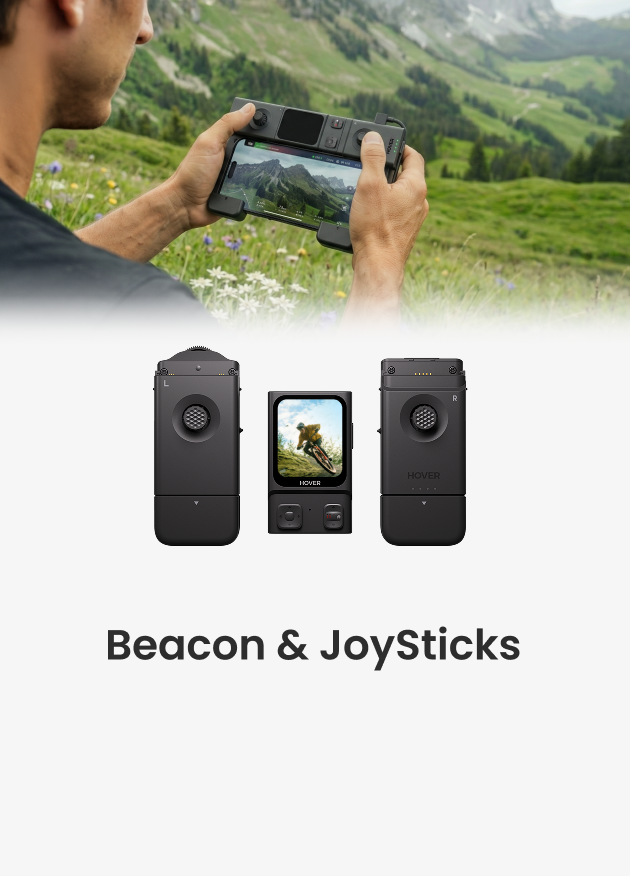
CoPilot Mode is a newly released feature that bridges the gap between manual control and smart modes. It allows you to make directional adjustments using the Beacon or Joystick while the drone is flying in a smart preset mode.
Introduction video:
Learn more about CoPilot Mode: https://hoverair.com/blogs/new-features/copilot-mode
Manual Mode
Custom flight path for ultimate creative freedom Manual Mode lets you take full control using the virtual joystick or physical Joystick to freely adjust the drone’s position and angle for highly personalized shots.
- Fly more freely with custom direction and distance control
- Supports advanced techniques like tracking shots, pull-outs, or fly-arounds
- Ideal for capturing wide establishing shots or cinematic B-Roll, like movie-style intros
Voice Control
Voice control is available now, learn more here: https://hoverair.com/blogs/new-features/talk-to-fly-hoverair-x1-pro-promax-unlocks-voice-control
Summary
All modes can be configured and adjusted through the HOVERAir X1 app. For best results, we recommend experimenting with different settings and parameters to unlock the full potential of your shots. Looking to level up your footage? Check out this creative shooting collection for more inspiration:https://hoverair.com/blogs/guide/creative-shooting-ideas-for-hoverair-x1-pro-or-promax
Edited History:
Change "Voice Control coming soon" to "now available". Updated on October 22, 2025


