








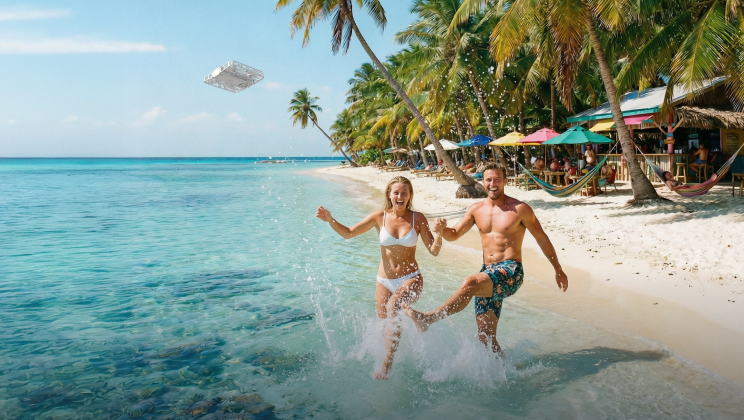

How Do You Stabilize a Camera While Walking?
Ever wondered how vloggers and YouTubers get that smooth, gliding look with a handheld device? You can grip the vlog camera tight and turn on active video stabilization, yet the footage often still jitters the moment you start walking. It is frustrating, especially when you want to shoot something quickly without setting up a gimbal. You basically have two paths: refine your handheld filming technique, or use a flying camera to save the effort.
Technique 1: Change How You Move
If you don't want to buy extra gear, you have to change the way you walk. The human body naturally bounces up and down with every step, so you must learn to turn your body into a natural stabilizer.
Roll Your Feet (The Ninja Walk)
Normal walking creates a hard impact every time your heel hits the ground. To fix this, you can try the ' Ninja Walk,' rolling your weight gently from heel to toe. This fluid motion absorbs the shock before it can shake your footage.
Bend Your Knees
Walking with straight legs makes the camera bounce, so keep your knees slightly bent. Now, your legs act like a car’s suspension. The leg muscles will naturally absorb vertical motion, keeping your upper body floating and level.
Tuck Your Elbows In (T-Rex Style)
Holding the camera far out makes it hard to steady. Instead, tuck your elbows tight against your ribs to lock the camera to your body. This shifts the weight to your core, eliminating the micro-jitters caused by arm fatigue.
Use the Neck Strap for Tension
Don't let the strap hang loose. Put it around your neck and push the camera forward until the strap is taut. This tension creates a 'third point of contact,' acting as an anchor to stabilize your hands.

Technique 2: Adjust Your Camera Settings
Your legs cushion the heavy impact of walking, but since slight vibrations persist when shooting handheld, you need the right camera settings to clean up the remaining fine details.
Turn On Video Stabilization
Check if your vlog camera or lens has stabilization switches and turn them on. There are generally two types: In-Body Image Stabilization (IBIS), where the camera sensor physically moves to counter shake, and Optical Image Stabilization (OIS), where elements inside the lens move. These systems are fantastic at erasing the small, high-frequency micro-jitters caused by your hands trembling.
Shoot in Slow Motion
A classic trick for smooth action shots is to record at a higher frame rate, like 60 or 120 frames per second (FPS). When you play this footage back at normal speed (usually 24 or 30 FPS), everything slows down. This doesn't actually remove the shake, but it stretches the movement out, making a sudden, jerky bump look like a slow, gentle drift. But this will create a slow motion effect, so it's not feasible to shoot everything in this way.
Choose a Wide Lens
The longer your lens, the more obvious your hand movements become. If you zoom in, you are magnifying the vibration. Using a wide-angle lens, like a 16mm or 24mm, does the opposite; it minimizes the appearance of movement, making it the ideal choice for immersive action shots.
Technique 3: Add Stabilizing Gear
You can refine your walk all day, but human hands will never be robotic. When you reach the edge of what your body can do, specialized tech gear bridges the gap.
The Motorized Gimbal
A 3-axis gimbal is the industry standard for a reason. Its motors react instantly to your movements, keeping the horizon level even if you twist your wrist. However, it is not a magic wand. While it handles rotation perfectly, it cannot stop the vertical bobbing of your walk. If you bounce up and down, the gimbal does too, so you still need to walk carefully to get a usable shot.
The Weighted Rig
Sometimes, the solution isn't high-tech motors, but physics. Simply strapping your camera into a metal cage adds the weight needed to resist shakes. This added inertia smooths out micro-jitters, creating a fluid, organic look that feels less robotic than a gimbal. But such a specialized setup isn't accessible to the normal user.
Technique 4: Stabilize via Editing Software
Even with the best walking technique, you can't always avoid every little shake. If you don't mind spending extra time editing, you can use software to smooth out the footage.Most video editors have a built-in video stabilization tool that digitally corrects the movement. Just be aware the software has to zoom in and crop the edges to make this work. This lowers the image quality and tightens your shot, so it is best used as a backup plan rather than a main strategy.
Technique 5: Use a Flying Camera
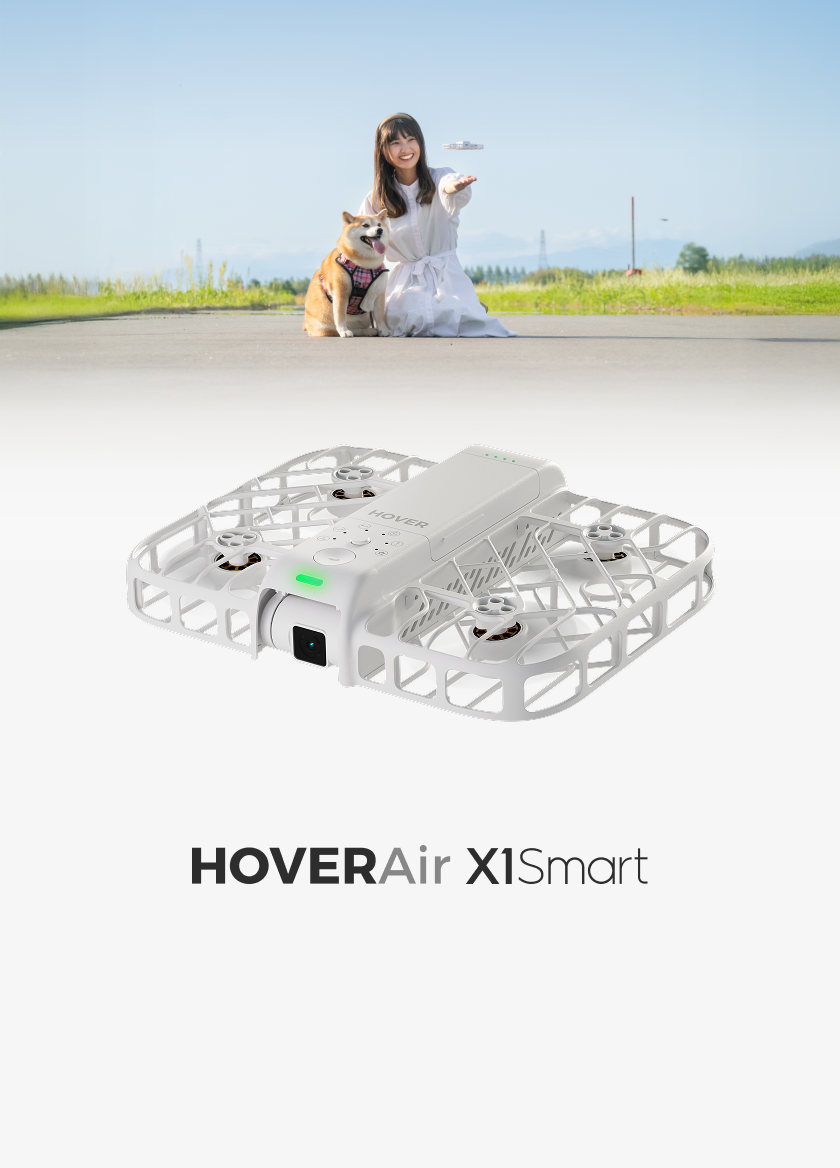
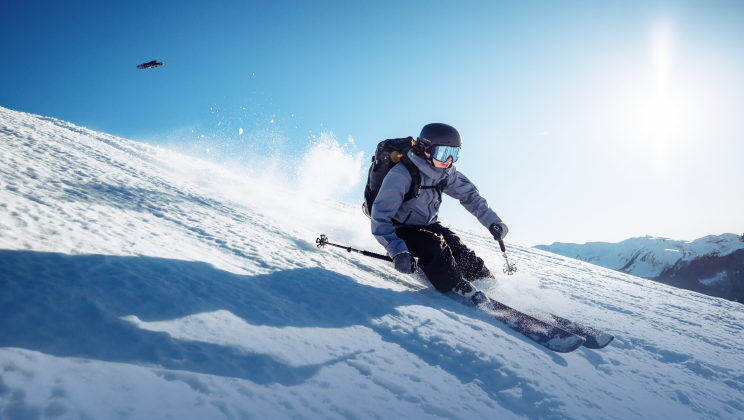
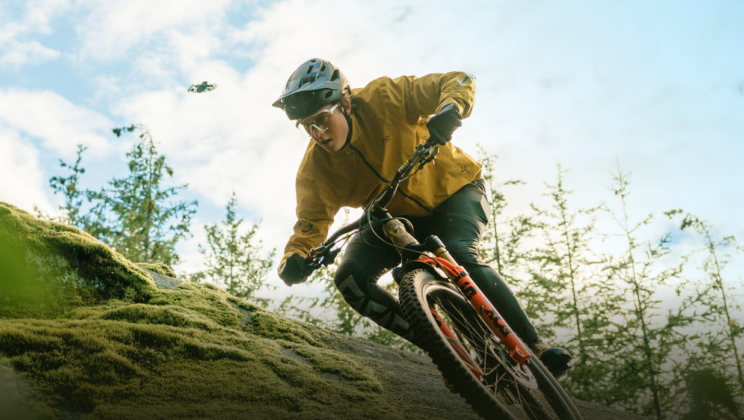
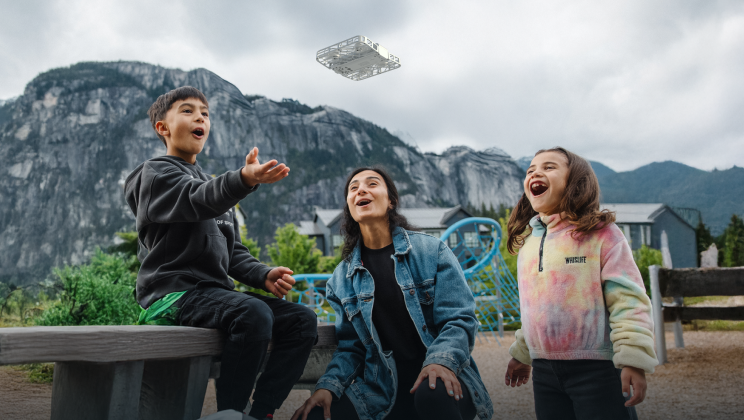
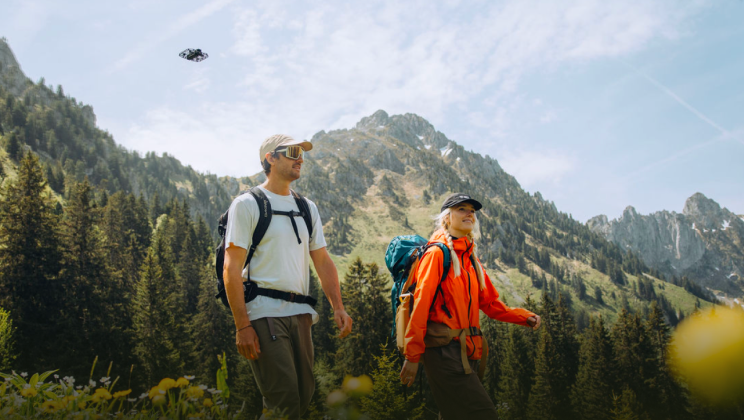
If you want to save the effort, this is the solution. Unlike a handheld vlog camera where you act as a physical link that transfers the impact of every step directly to the lens, a flying camera breaks that link entirely. It hovers freely, effectively eliminating vertical bounce.
Hover Stability: Eliminate Vertical Bounce
The hardest part of walking smoothly is the natural up-and-down motion of your body. Handheld stabilizers can’t fully fix this. A flying camera solves this by physical decoupling from your movement. While you move, the auto-follow drone uses visual sensors to lock itself at a precise altitude. This means your body can bob up and down, but the camera stays pinned in the sky, completely unaffected.
Versatile Flight Modes: Stabilize Every Angle
Complex tracking shots usually require a second person. Now, versatile flight modes take charge. Whether you want a dolly shot, a side track, or a dynamic orbit, the flying camera generates a flight path based on your real-time speed and direction as you walk, ensuring you stay perfectly framed. You can also use gesture control to manually trigger moves like Orbit on the fly. This smart tracking gives you polished, cinematic action shots regardless of which direction you choose to walk.
Advanced Shooting Specs: Capture Every Detail
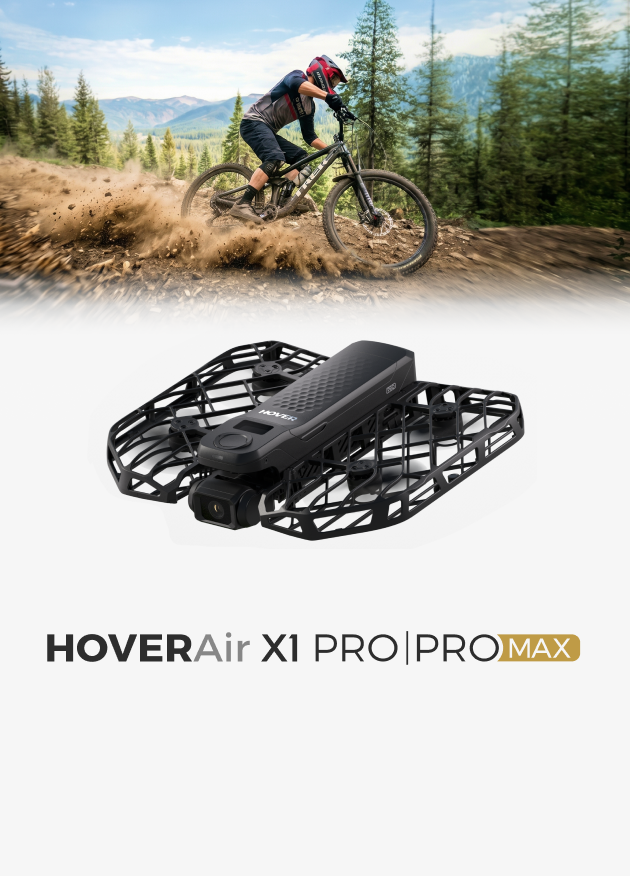
Professional movement deserves professional optics to match. The HOVERAir X1 PROMAX is engineered for this precise purpose, equipping you with high resolution and manual controls for content creation.
- Elite Resolution & Slow Motion: Supports up to 8K video for stunning detail, or 4K at 120fps for ultra-smooth slow-motion edits.
- Manual Exposure: You can adjust ISO, shutter speed, and EV to handle difficult lighting, ensuring consistent exposure even in changing environments.
- Vertical Video: Captures ready-to-share vertical footage at up to 2.7K, optimizing the frame for social media without the need for manual resizing in post.
With the HOVERAir X1 PROMAX, you can capture cinematic action shots entirely on your own. This puts professional-grade footage in your hands, allowing you to create high-end content.

Film Without the Shake!
You don't need to use every trick on this list. Choose the solution that works for you. For a quick vlog, relying on your walk and a stabilizer strap is a great start. If you want guaranteed smoothness without thinking about your steps, a flying camera is the answer. No matter how you achieve it, stable footage instantly makes your video look cleaner and more professional.
FAQs About Stabilizing a Camera While Walking
Q1: How do you hold the camera to stabilize it from extra movement?
A: Always use two hands instead of one. Grip the camera firmly and tuck your elbows tight against your sides. This locks your arms to your body, turning your torso into a solid support. Also, keep the camera close to your chest. Holding it far out with straight arms makes it harder to control and causes more shake.
Q2: What can I use instead of a gimbal for vlogging?
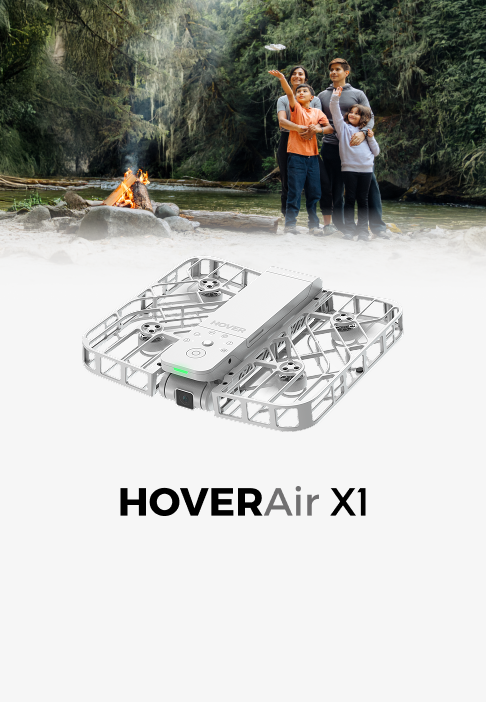
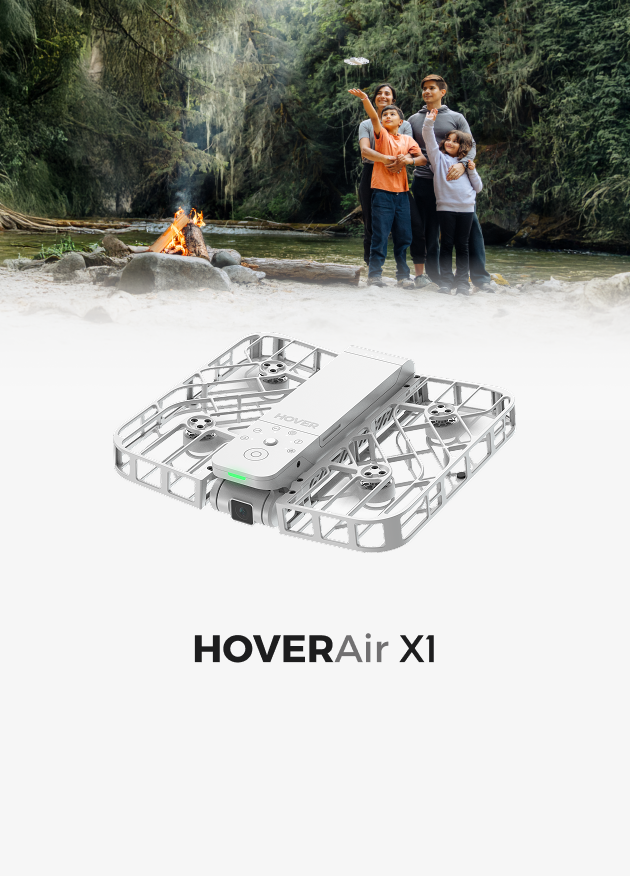
A: A flying camera, such as the HOVERAir, is an excellent alternative. Unlike a gimbal that you have to carry attached to your vlog camera, it flies independently, meaning your footsteps don't transfer any shake to the lens at all. It effectively acts as an autonomous cameraman. If you are looking for a free solution without buying new tech gear, you can simply use your camera's neck strap. Pull it tight against your neck to create tension, which helps stabilize your hands significantly.
Q3: How to secure a camera while hiking?
A: For heavy cameras, you can use a "capture clip" on your backpack strap to keep them locked tight so they don't swing around. If you want to travel lighter, using a foldable flying camera like the HOVERAir X1 PROMAX is much easier. At 192g, you don't need any special clips or straps—just fold it up and slip it into your bag or pocket until you are ready to shoot.
Q4: Can a stabilizer improve video quality?
A: Yes, it makes your footage look much smoother and professional. Physical stabilizers (like gimbals or flying cameras) physically isolate the lens from bumps, preventing motion blur that software can't fix. Digital stabilization alone fixes shakes by zooming in, which often makes the footage look softer or lower quality.


