
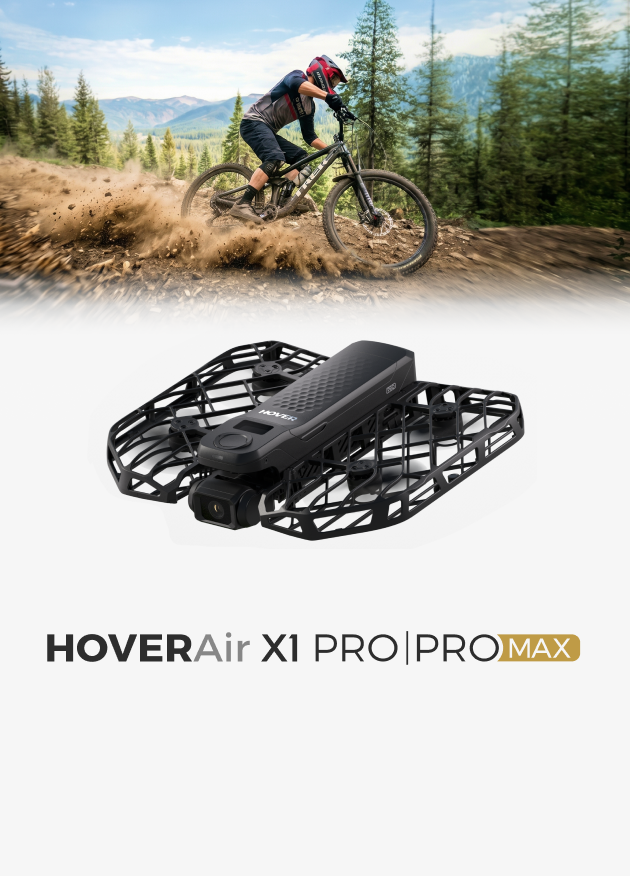
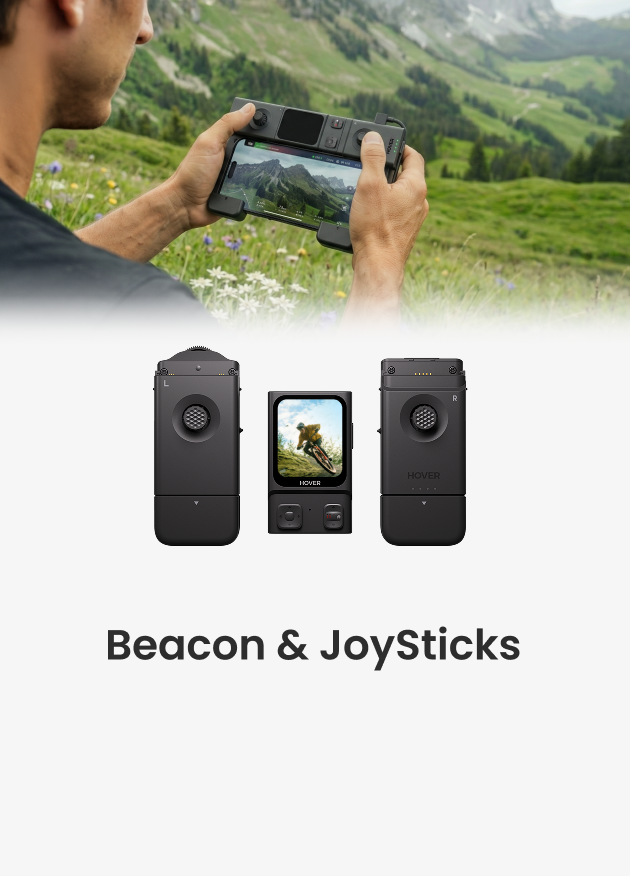








HOVERAir X1 PRO &PROMAX Cycling Mode is Now Live
What is Cycling Mode?
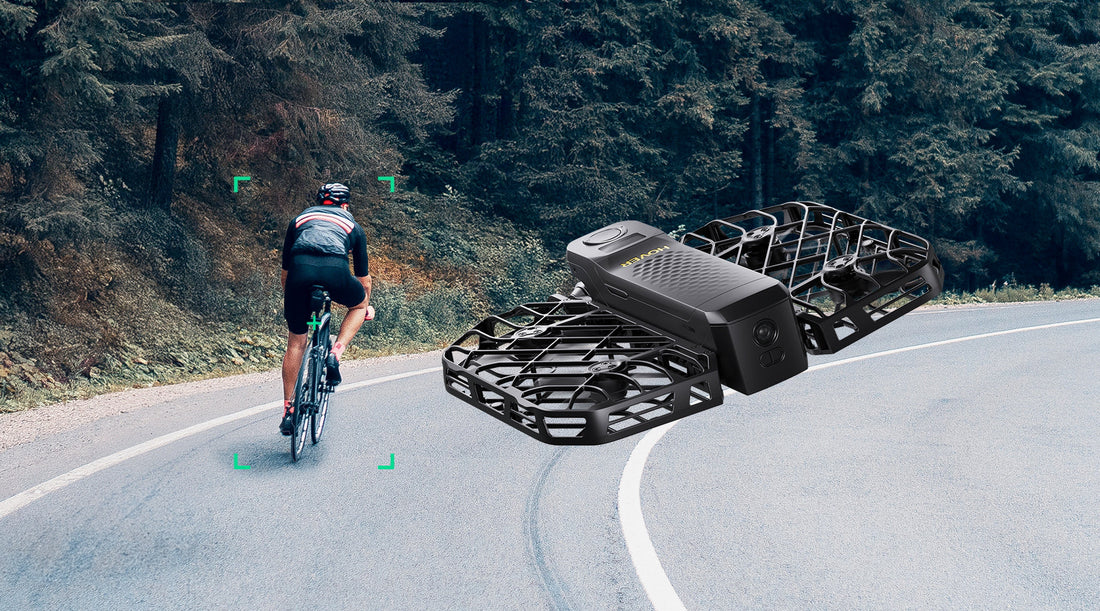
Cycling Mode is designed specifically to provide more precise and stable tracking across different cycling scenarios from road biking to mountain biking along narrow paths. It features two different Cycling Environment modes, allowing users to choose between Open Areas or Narrow Routes based on their environment and introduces trajectory replication in "Narrow Routes."
Introduction to Cycling Environments
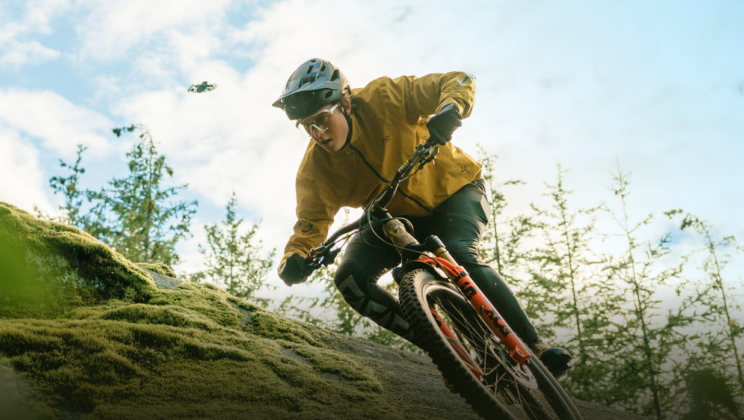
- Open Area Setting: Perfect for wide, open environments like roads. The flying camera optimizes its route for efficiency, ensuring the best use of power.

- Narrow Routes Setting: Ideal for trails or mountain roads with tight spaces and obstacles. The flying camera mirrors the cyclist's movement, improving obstacle avoidance and reducing the chance of collisions.
- Note: Cycling Environments setting is only available when the follow position is set to "Back"
Video sample shot by HOVERAir X1 PRO &PROMAX for narrow routes.
How to configure cycling mode
You can configure flight duration, follow distance, follow height, follow direction, cycling environment, and shooting mode through the HOVER X1 App.

Go to Hover X1 app> Hover settings>cycling mode> Cycling Environment. Choose between Open Areas or Narrow Routes based on your environment.
Landing
To land, you can use palm landing, remain stationary for 3 seconds, or use a gesture to initiate landing. Hover will then slowly approach and land safely. You can set the landing method for Hover in the settings.
Can cycling videos be downloaded with speed data?
This feature will be available in a future update.
If the person crashes or leaves the bike, will the flying camera prioritize following the person or the bike?
It will follow the person.
What types of bikes are compatible with cycling mode?
Cycling mode is suitable for standard bicycles, mountain bikes, flatbed bikes, all-terrain bikes, electric bikes, and similar types.


