




Indoor Follow Mode Now Available!

Indoor Follow Mode Now Available!

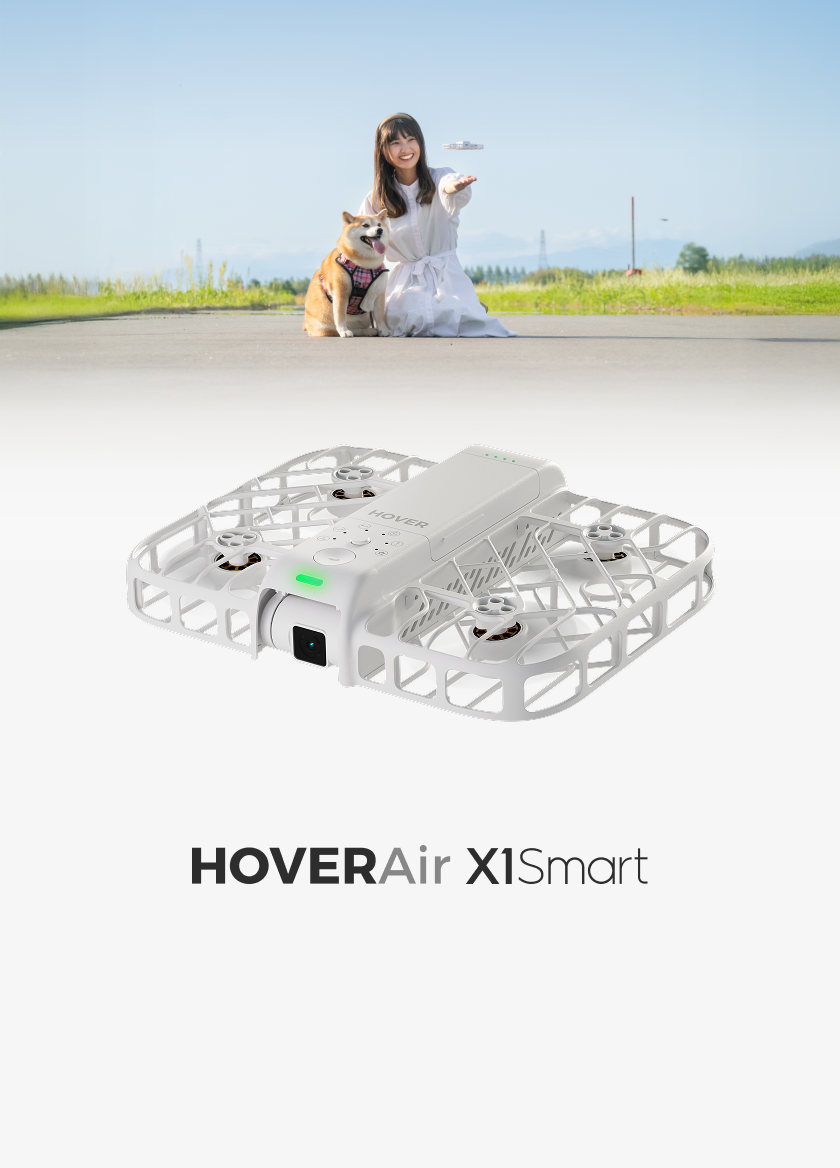
HOVERAir's Indoor Follow Mode is now officially available!


  • Release Date: This feature is available with the 7.7.6 firmware update, January 24, 2025, and update app to 2.24.0 or later versions.
  • Compatible Models:
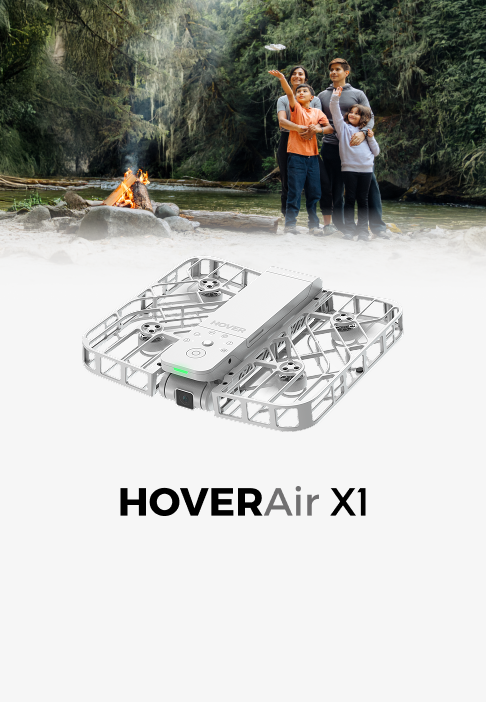
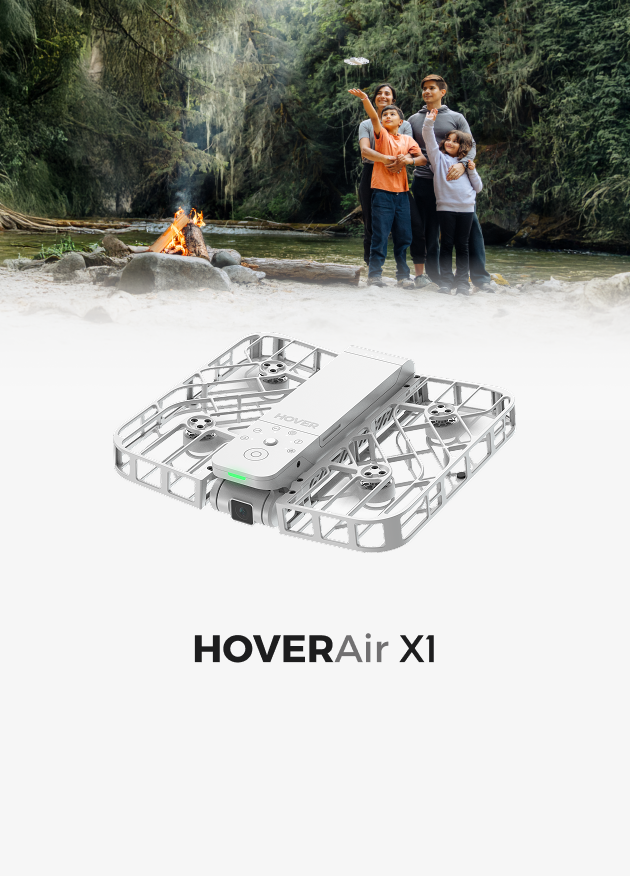
  • HOVERAir X1
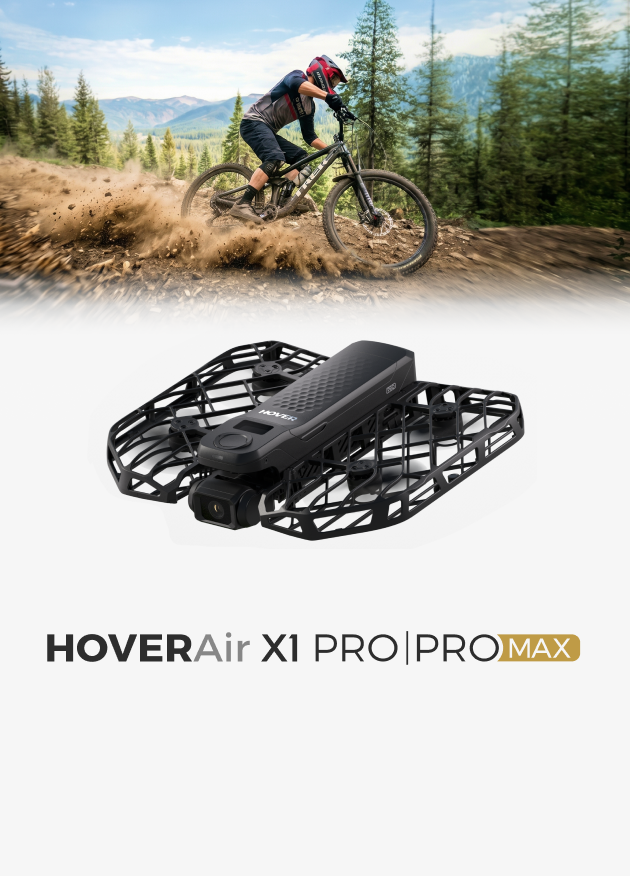
  • HOVERAir X1 PRO and X1 PROMAX 

So, what exactly is Indoor Follow Mode? Let’s take a look.

What is Indoor Follow Mode?

Indoor Follow Mode is designed to provide smooth and stable tracking in indoor environments, lowering the likelihood of cutting corners or crashing into walls. It’s especially useful for indoor space tours, room tours, real estate video presentations, and other scenes that require slow turns or tracking while going up and down stairs (including outdoor environments).

How is it Different from Standard Follow Mode?

Indoor Follow mode perfectly copies your walking path with smooth, agile turns. Whether going upstairs, navigating narrow doorways, or making tight turns, it stays right with you for that silky smooth shot. 


Compared to the standard Follow mode, the Indoor Follow mode utilizes trajectory replication to copy the user's walking path. In low-speed indoor environments, it is less likely to lose track or crash into walls. For safety, the maximum speed in this mode is limited to 4.2 m/s (15 km/h).

How to Use Indoor Follow Mode?


  • Settings: The default follow distance is set to "Close," but you can also choose "Mid" or "Closest".

Notes:

  • To ensure safety, the maximum speed in Indoor Follow Mode is limited to 15 km/h.


Edited History

July 24th. 2025

Zurück zum Blog

Hinterlasse einen Kommentar

Bitte beachte, dass Kommentare vor der Veröffentlichung freigegeben werden müssen.

  • A Complete Guide to Auto Correction in HOVERAir Angle Track

    A Complete Guide to Auto Correction in HOVERAir...

    What is Auto Correction? During Angle Track, rapid movement, acceleration, or quick turns by the user can cause your Hover device's relative position to the subject to change. With Auto...

    A Complete Guide to Auto Correction in HOVERAir...

    What is Auto Correction? During Angle Track, rapid movement, acceleration, or quick turns by the user can cause your Hover device's relative position to the subject to change. With Auto...

  • 10 Must-Have Drone Shots with HOVERAir X1 PROMAX

    10 Must-Have Drone Shots with HOVERAir X1 PROMAX

    Whether you’re shooting cinematic travel films, YouTube content, or client projects, mastering a few key drone shots can completely transform your storytelling. In this guide, we’ll break down 10 essential...

    10 Must-Have Drone Shots with HOVERAir X1 PROMAX

    Whether you’re shooting cinematic travel films, YouTube content, or client projects, mastering a few key drone shots can completely transform your storytelling. In this guide, we’ll break down 10 essential...

  • The Hottest Tech Gadget to Gift This Year: A HOVERAir Self-Flying Camera

    The Hottest Tech Gadget to Gift This Year: A HO...

    Just in time for the holidays, HOVERAir is offering up to 30% off — the perfect chance to gift next-level, AI-enhanced aerial creativity. This holiday season takes off with HOVERAir....

    The Hottest Tech Gadget to Gift This Year: A HO...

    Just in time for the holidays, HOVERAir is offering up to 30% off — the perfect chance to gift next-level, AI-enhanced aerial creativity. This holiday season takes off with HOVERAir....

1 von 3
1 von 3
    1 out of ...