








360° Spin Out the Full Story-Your Circle, Vibes and Views
360° Spin Mode Launched Release Date: April 3rd, 2025
Compatible Models:
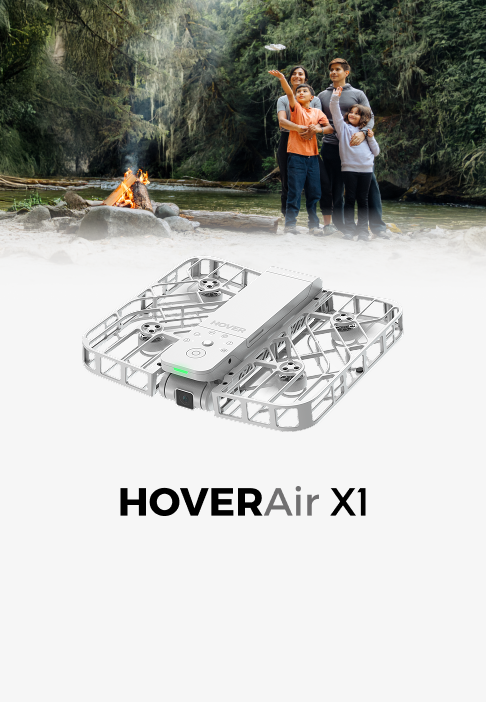
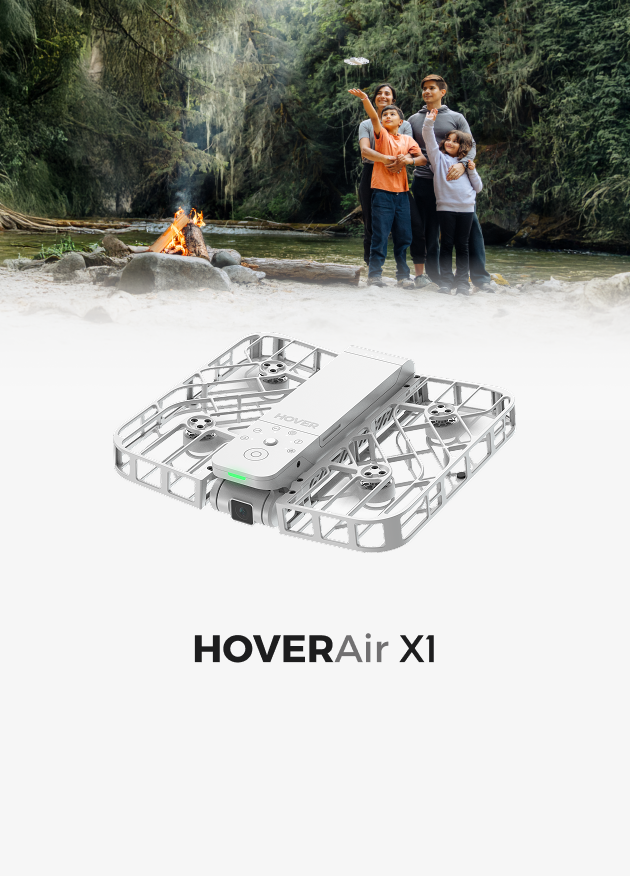
- HOVERAir X1
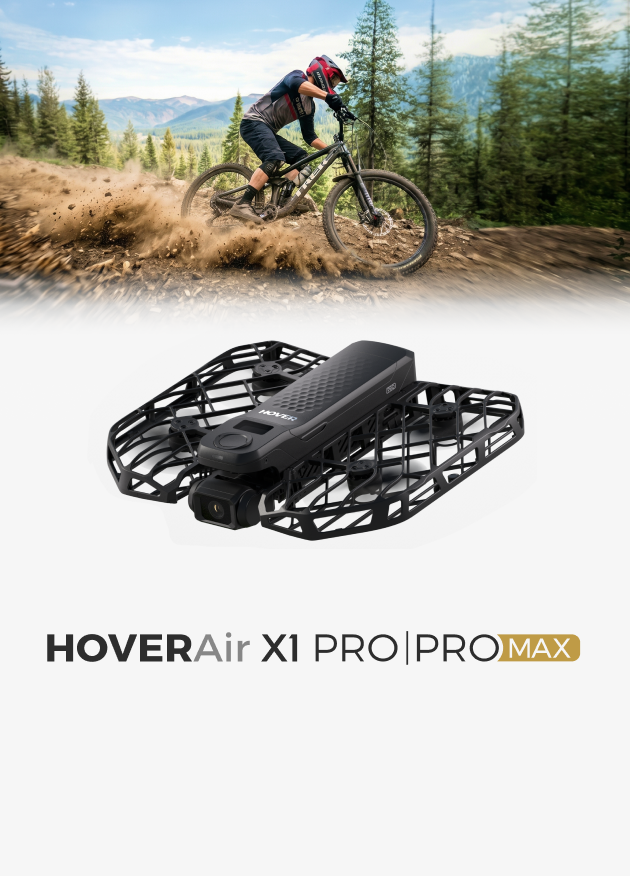
- HOVERAir X1 PRO/PROMAX
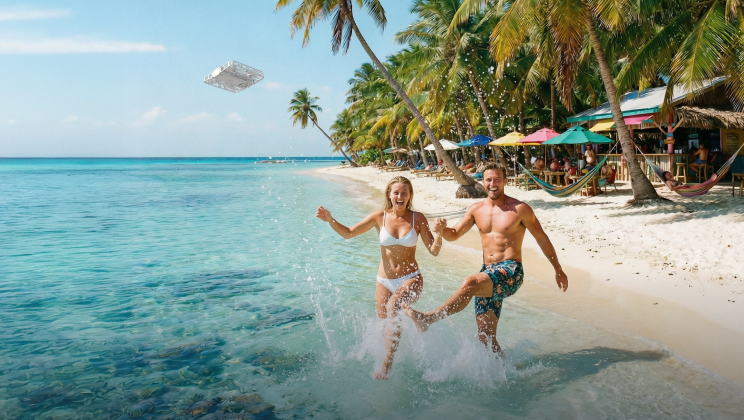
We are excited to announce that the HOVERAir X1 PRO and X1 PROMAX now support 360° Spin Mode, unlocking more creative experiences. This mode allows your camera to start from you and spin to record your friends, family, fun, and the full view. Your story is not about yourself alone. It's made up of the faces you love and the world you move through-we can capture it all.
What is 360° Spin?
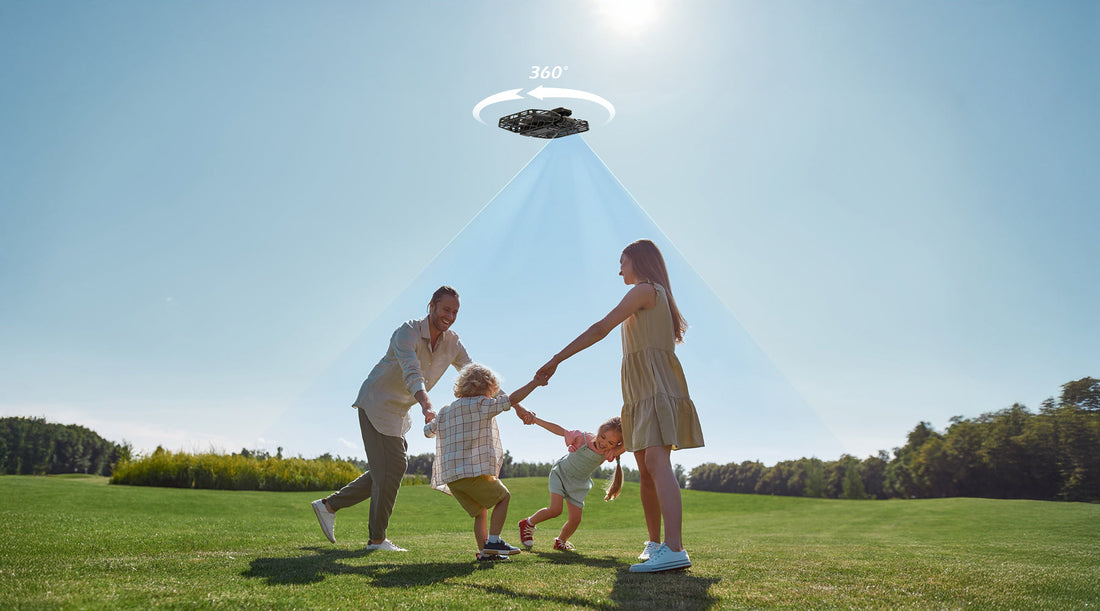
360° Spin is a brand-new shooting mode that lets your camera spin in a full 360° circle-or even two-to capture the world all around it. To use it, step into the starting point and then step back so the camera can frame you properly. After a countdown, the device stays in place and begins its smooth 360° rotation, recording you and your surroundings. Whether you are filming group moments with friends and family, capturing yourself against stunning landscapes, or trying out creative shots, 360° Spin makes it easy to tell a bigger and fuller story.
Why do you need 360° Spin?
-
For group moments (party/group activities/group cycling):
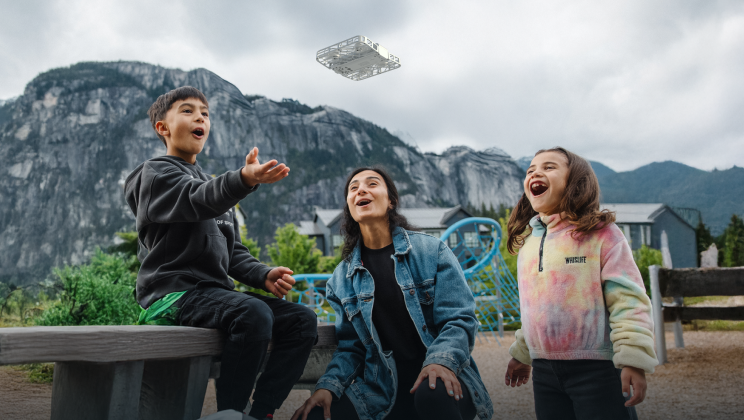
- You can use 360° Spin to get creative with group videos of your family and friends. You can group in a circle and let the camera spin to capture everyone in turn, displaying unique group vibe.
- Also, you can spread out in different positions and let the camera take turns filming a series of each other's personality-driven clips that make each of you stand out.
-
For travel/outdoor activities/citywalk
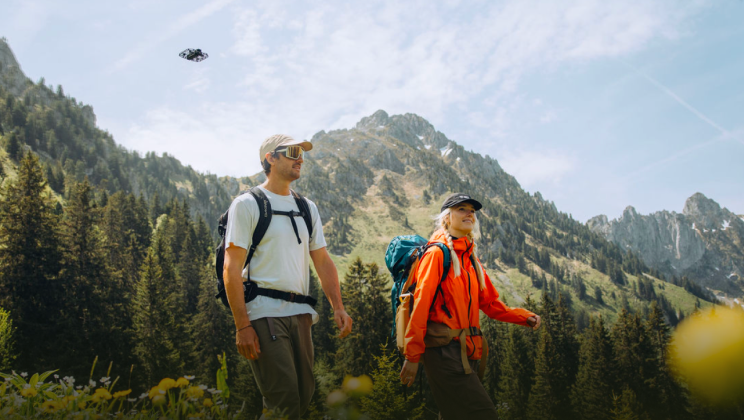
- Start by filming yourself, then spin to reveal the surroundings to showcase the landscapes and environment around you. This type of shot is often used as an opening scene to introduce both the characters and the setting, giving viewers a sense of who you are and where the story begins.
- You can also use part of the footage as B-rolls when editing, with spinning shots that display the landscapes and surroundings.
- You can also play with the speed between each person's shot to create more dynamic and creative transitions.
-
For indoor vlog
- Capture a 360° shot to showcase you, your family, your pet and your home in a relaxed and everyday vibe as part of your vlog.
How is 360° Spin Mode different from Orbit Mode?
- In 360° Spin mode, the device will stay in one place and spin to capture the full view around it. This mode is perfect for capturing you and your surroundings.
- In Orbit mode, the device moves around to circle the character. There should be a main subject of the shot in this mode.
How to use 360° Spin mode?
1.Select 360° Spin from the app;You can also enable this mode in the ‘Hover Settings,’ and once enabled, you can select it on the flying camera.
2.Choose the appropriate settings, as follows:
- Set up via the app or directly on the camera
-
Height and Angle
- Flat: simulate an eye-level view
- High: higher than Flat to get a top-down perspective
- Low: lower than Flat to get a low-angle perspective
-
Spinning speed
- Fast Spin: 15s per rotation
- Normal Spin: 20s per rotation
- Slow Spin
-
Height and Angle
- Spinning Angles: 360° (one full turn)/ 720° (two full turns)
- Only available to set up via app
- Direction: Clockwise/Counterclockwise
- Wait time before spinning: 2s/5s/10s


3.Approach the takeoff point and face the camera. The device will initiate takeoff only when a human face is detected in the frame. It's acceptable for some parts of the footage to not include people once recording has started.
4.Step back to your position and the camera will takeoff after the countdown.
Edited History
July 24th. 2025


