








10 Must-Have Drone Shots with HOVERAir X1 PROMAX

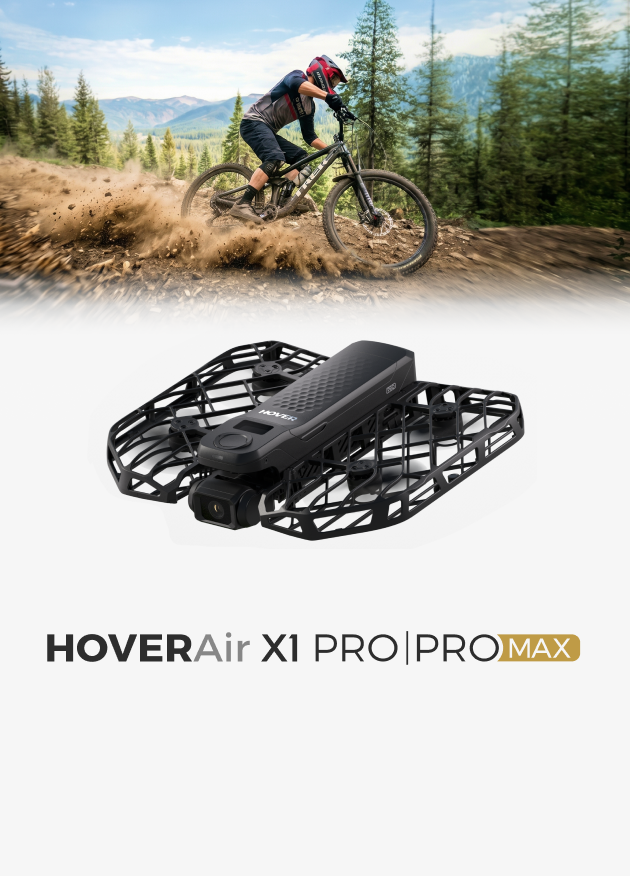
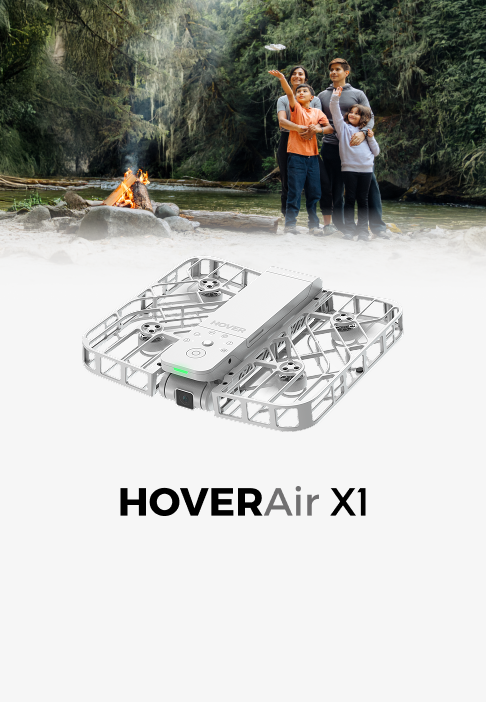
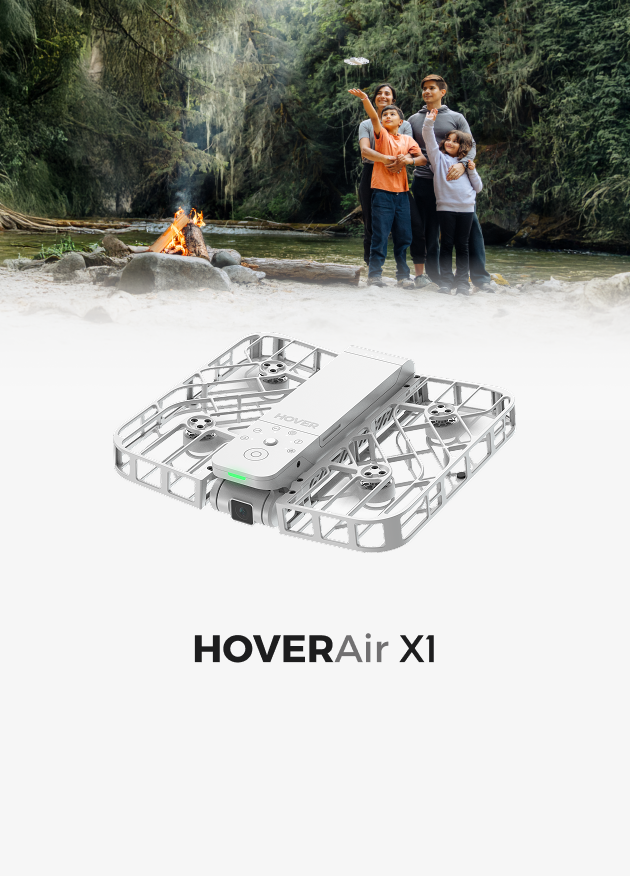
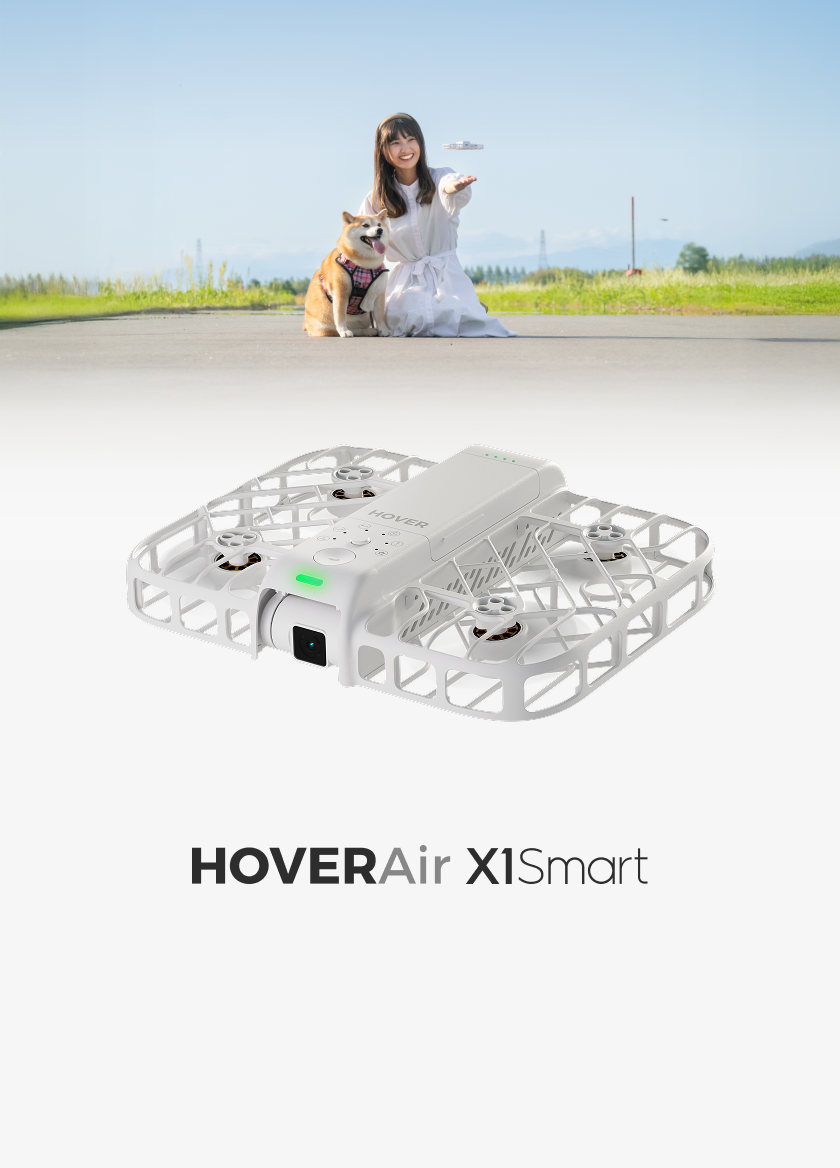
Whether you’re shooting cinematic travel films, YouTube content, or client projects, mastering a few key drone shots can completely transform your storytelling. In this guide, we’ll break down 10 essential drone shots you should know — what they look like, when to use them, and how to capture them. All of the shots below were filmed with the HOVERAir X1 PROMAX, a pocket-sized self-flying camera that makes professional drone filming easy for everyone — no controller, no flying skills required.
The Zoom Out
The Zoom Out is one of the most powerful drone shots for adding drama and a sense of scale. You start close to your subject, then the drone flies backward and upward simultaneously, smoothly revealing more of the surrounding environment. You can walk toward the camera and stop as the drone zooms out — both facing the camera or with your back turned; both work equally well. This shot is ideal for clifftops, cities, or beaches, where the expanded view emphasizes scale.
The opposite, Zoom In, works perfectly as an intro shot, slowly pushing forward to reveal your subject. To capture this, select the Zoom Out preset, frame yourself at a dramatic location with you in the center, set distance and altitude (around 100 ft with a gradual rise works well), and let the drone do its work automatically. You can stand still or add subtle movement, and the drone will fly back and land on your hand.
@casaca.films Testing the Zoom Out mode with the HOVERAir X1 Pro Max 🚁 This HOVERAir is amazing — it makes filming super easy, and it’s so small it fits in your pocket. Thanks @hoverair_official 🙌 📌 Product link in the comments section #HOVERAir #HOVERAirX1PROMAX #OriginalFlyingCamera #filmmaking #cinematicvideos #cinecalut #casacafilms ♬ original sound - Filmmaker | Cinematic
The Low Flyby
The Low Flyby adds a sense of movement and speed as the drone glides past, revealing both you and the landscape. It works wonderfully for adding energy, intrigue, and surprise.
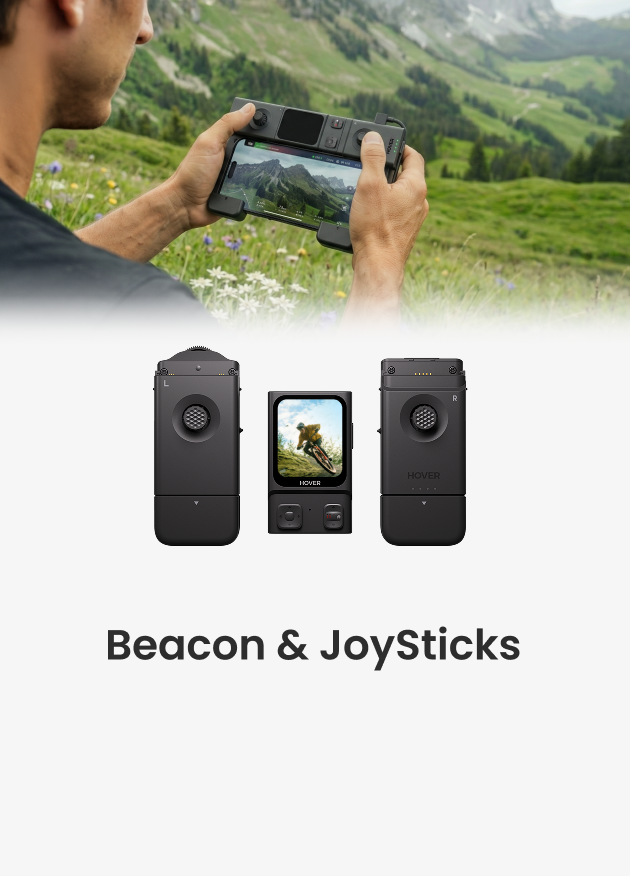
You can walk or stand still, and the drone can fly forward or backward. Set the drone to manual mode and use your smartphone as a remote and monitor or you can use Zoom Out mode, set the altitude low, and turn off target locking. Hover at about head height, ensure a clear flight path, and start walking while the drone moves past. Begin farther away to capture more of the landscape. The lower the drone, the faster the motion feels. This shot is great for establishing your scene or showing off the landscape.
Top-Down Static
Sometimes the simplest shots are the most striking. A top-down static shot gives viewers a completely new perspective, perfect for showcasing patterns, textures, and symmetry.
Fly the drone directly above you and lock it in place — you can set the altitude and the maximum hover duration using HOVERAir’s bird’s-eye mode — then walk, unpack your gear, or simply interact naturally with the environment below. Geometric locations like crosswalks, boardwalks, or tiled courtyards look especially cinematic from above.
This shot works great as a transition scene or to give a sense of calm and order between more dynamic sequences.
Orbit
The Orbit Shot is perfect for beginners or anyone without flying experience. The drone circles smoothly around you or your subject while keeping them centered, creating a dynamic, almost 3D feel.
Use this shot to highlight epic landscapes, such as clifftops, beaches, or mountains. Set the drone to orbit mode, select radius and altitude, ensure a clear flight path, then place the drone on your palm and hit the power button. It will take off, orbit around you, and return to your hand.
Pro Tip: Use ND filters to improve image quality and manually control settings for smooth cinematic motion.
Rocket Shot
A Rocket Shot starts directly above you, then rises vertically while keeping the top-down perspective locked in. It’s an excellent way to reveal your surroundings — like zooming out from a pin on a map. This shot is perfect for travel intros or social clips that need a fast and impressive reveal. Just switch to Bird’s-Eye Mode, set the altitude (up to 100 ft on the PROMAX), and hit the power button. The drone does the rest automatically.
👉 Editing Tip: Speed up the middle portion of the clip and add a “whoosh” sound effect for extra cinematic flair.
@okt9k Unbothered 🤍🌳 #HoverAirPartner @HOVERAir Official HOVERAir X1 Pro Max - tracking drone that fits in your pocket! #hoverair #x1promax ♬ Raindance - Dave & Tems
Follow Shot
The Follow Shot transforms the drone into your personal cinematographer, tracking your every move — walking, running, cycling, or hiking — keeping you centered in the frame. On the HOVERAir PROMAX, you can select distance and altitude — high and far for a classic aerial look, or low and medium for gimbal-style footage. The drone can follow from behind or in front. A front shot feels intimate, while a higher shot captures more of the environment. Firmware updates include:
- Indoor Follow Mode for smooth tracking indoors, great for real estate or property tours.
- Cycle Mode, optimized for high-speed tracking on bikes or tight paths.
Cinematic Reveal
One of the most engaging storytelling techniques is the Reveal Shot — where your subject starts hidden behind an object (a wall, tree, or doorway) before being revealed as the drone moves sideways. It builds intrigue and keeps viewers hooked. Switch to manual mode, find a good foreground element, and use the joystick to move the drone laterally while keeping your movement smooth and consistent. This shot is perfect for introductions, transitions, or creating dramatic reveals in short films.
Flying Through (Glideby)
This shot delivers pure cinematic satisfaction. The drone flies through narrow spaces — like between trees, doorways, or arches — to create motion and depth. The key is stability and control: the camera should glide smoothly and stay level throughout. Start with wider spaces and gradually move to tighter gaps as you gain confidence. Used creatively, this can make your audience feel like they’re moving through the scene with you, rather than just watching it.
Bird’s-Eye Rotate
This visually stunning move places the drone directly above your subject, pointing down, while it slowly rises and rotates. It combines two movements — elevation and rotation — to add a dynamic, spiral-like effect. To shoot it, go into Bird’s-Eye Mode, enable “Rotate,” and set a slow rotation speed. You can start low and rise up, or start high and descend while spinning. This works beautifully for revealing landscapes or architectural spaces and gives your footage a unique aerial rhythm.
@alexn.mov The Birds Eye view feature from @HOVERAir Official , self flying x1 pro max is amazing! #hoverair #hoverairx1promax #selfflyingcamera #originalflyingcamera #drone ♬ original sound - Alex Nguyen
Follow Match Cut
A creative editing technique using multiple follow shots filmed from the same distance, height, and angle. You move in the same direction each time, but the background changes dramatically between cuts. This makes for an eye-catching transition — perfect for intros, travel montages, or final sequences. Capture as many follow shots as possible with consistent framing and speed, then edit them together to highlight the location changes. Simple to shoot, easy to edit, and very effective.
@leecbowling Running match cut done with the hover air x1 pro max! I’ve loved using this drone! There’s a link in my bio to get yours! @HOVERAir Official #hoverair##hoverairx1 #hoverairx1promax #drone #vfx ♬ original sound - Lee Bowling
Final Thoughts
And there you have it — 10 must-have drone shots that every creator should try. With the HOVERAir PROMAX, you don’t need advanced piloting skills to capture cinematic results — just select your mode, set your frame, and let the drone do the work.
This article adapted from the video script at follow:


